Docs
Spaces
A space is a separate area of kwant with its own bots and everything they use. Keep one for work, one for a side project and one for home, and nothing leaks between them.
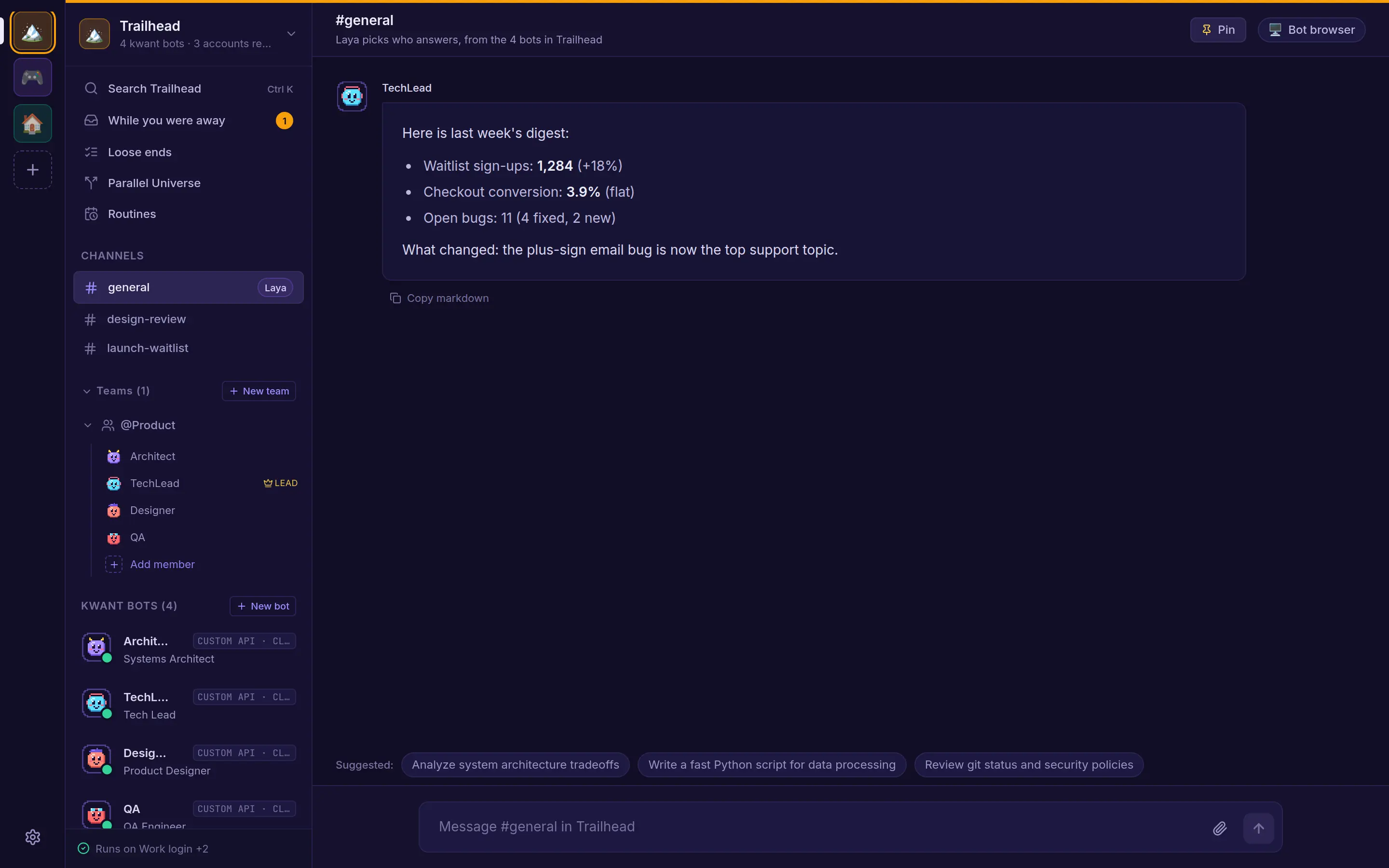
What belongs to a space
- Bots and teams, with their channels and direct chats
- Routines and skills
- MCP tool servers
- Accounts, including custom API servers (see Accounts & profiles)
- Its approval rule and hiring rule
Search, "While you were away" and Loose ends always show the space you have open.
Creating and switching
Create a space from the rail. Give it a name of up to 60 characters, one of 8 icons and one of 8 colours. Every install starts with a Default space, which you can rename but not archive.
Switch spaces by clicking the rail, from the space menu, or with Ctrl + 1–9 (⌘ on a Mac). Each space has its own address, /s/<space>/…, so you can bookmark one or keep it in its own tab.
Space settings
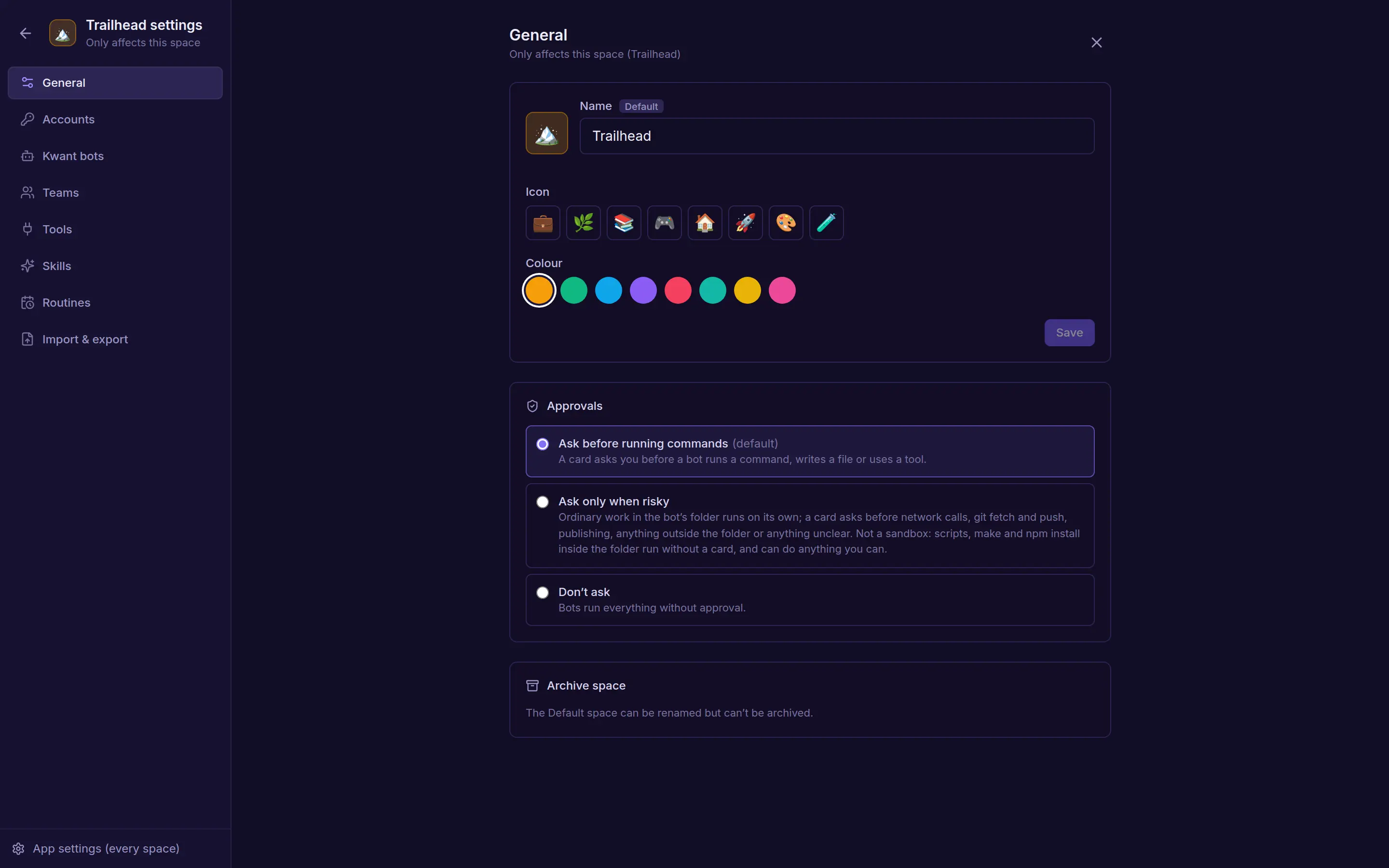
| Tab | What's there |
|---|---|
| General | Name, icon, colour, the approval rule, and Archive space |
| Accounts | This space's accounts for each engine |
| Kwant bots | The bots in this space, and the hiring rule |
| Teams | Teams and their leads |
| Tools | MCP servers and which bots can use them |
| Skills | Skills for the whole space |
| Routines | Every routine in the space |
| Import & export | Bring bots in, or export the space |
Approval and hiring rules
Each space picks how bots ask before acting: Ask before running commands, Ask only when risky or Don't ask. A bot can follow the space or override it. See Approvals & passwords.
The hiring rule decides what happens when a bot proposes a new teammate: Ask me each time, or Hire at once with at most 3 automatic hires in 24 hours. See hiring.
Use This machine
When it's on, bots in the space can use the CLIs signed in on the computer running kwant. Turn it off to keep the space on its own accounts only. Bots never fall back to it.
Archiving
Archive a space to put it away. Its routines pause and its bots, chats and settings are kept. Restore it any time from Archived spaces. kwant has no hard delete for spaces. When a bot asks to archive a space, it waits for your OK.
Import & export
Bring a bot from… Grok, ChatGPT, Claude or another app: kwant gives you a prompt to paste into that app, and you paste its reply back. Or upload a file: .json, .md, .png, .zip or .txt up to 20 MB, such as a Claude Code subagent, a SKILL.md, a character card, an OpenMausBot export or a .kwant.json file. A pasted reply can be up to 256 KB.
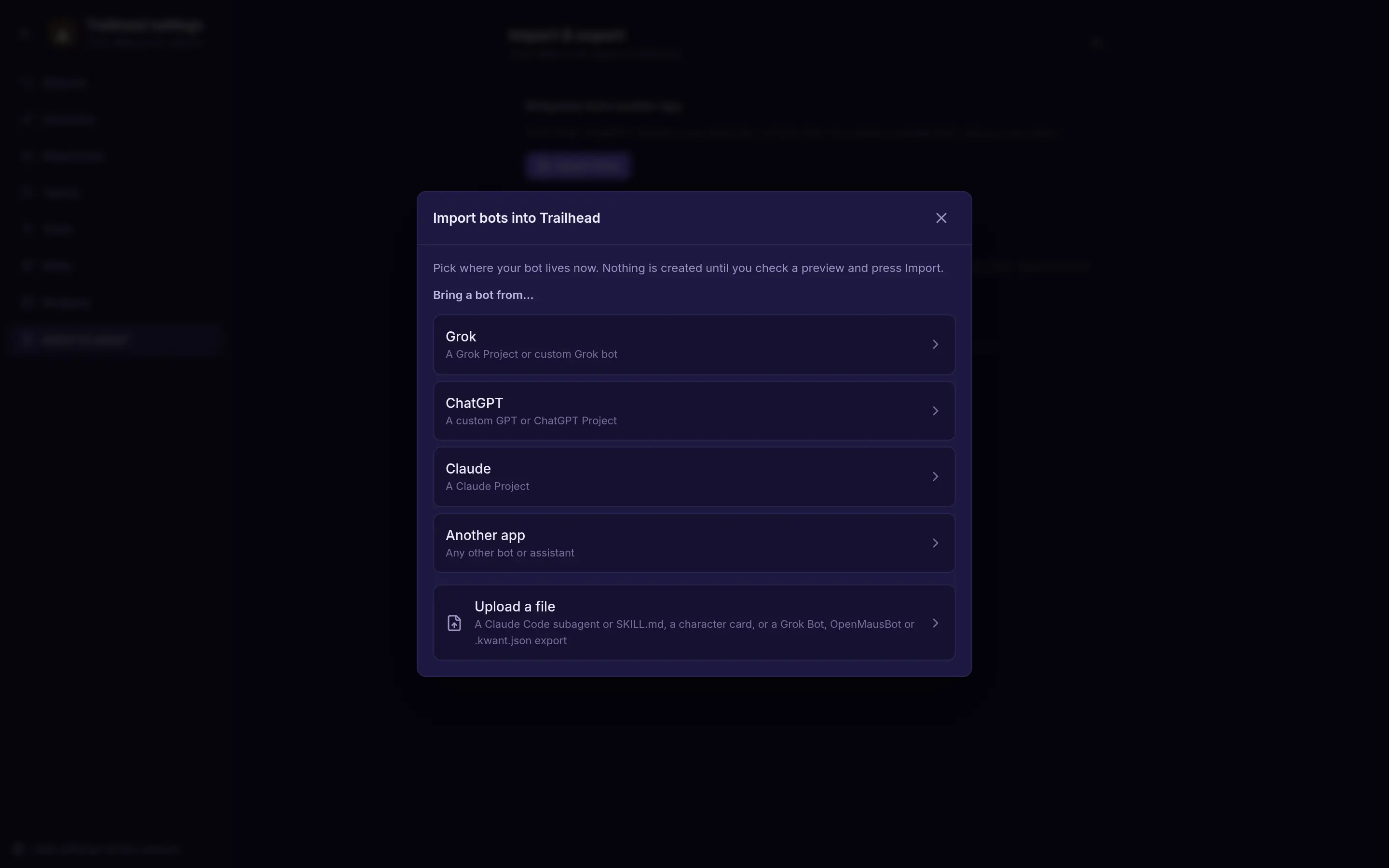
Imports start safe:
- Imported bots have no tools until you give them some.
- Imported skills wait for your approval.
- Imported routines start paused.
- Any keys in the file are removed.
You can undo an import. Export a whole space or one bot as a file. Exports leave out chat history, files, tools and keys.